App developers in Homestead
Appluex is a mobile and web app development studio headquartered in Miami, working across Miami-Dade. In Homestead most of the work does not happen at a desk. It happens in a field, a shadehouse, a packing line, a yard and a truck, so that is what the software has to survive.
Software that works where the work is
Homestead has about 82,800 residents, roughly two thirds of them Hispanic, and it sits at the bottom of Miami-Dade next to the Redland, about thirty miles south of Miami. The county publishes what that means economically: first in the United States in the production of ornamental plants, second in Florida in overall farm production value, one of very few places in the country that harvests fruit and vegetables through the winter, and about 89 percent of what it grows leaves for markets in the northeast and centre of the country and for Canada. Read that last figure again, because it is the one that shapes the software. What is grown here does not stay here. It gets counted, graded, boxed, cooled, loaded and driven, and every one of those steps is done standing up.
That single fact breaks most business software, and it breaks it quietly. The app was drawn on a laptop, in an office, on stable wifi, by people who tested it sitting down. Then it goes to a block of avocado trees where there are no bars, or into a packing house with a metal roof and racking that eats what signal there was, or onto a phone held in a work glove at one in the afternoon with the sun straight on the screen. Buttons sized for a mouse cursor need three attempts. A form that will not submit until it reaches the server just spins. The person using it has product moving past them and cannot stand there arguing with a phone, so they write the number on the back of a box and carry on. The data still gets captured. It just gets captured on cardboard, and someone types it in that night, badly, from memory.
So the first question we ask about a tool for this market is not what it does. It is what it does with no connection, and the honest answer separates real offline software from the marketing version. Plenty of apps claim offline support and only mean they cached the last screen you looked at, which is reading. The hard part is writing: accepting new input with no network, holding it somewhere durable so a dead battery or a force quit does not lose the morning, showing the person clearly that it is saved but not yet sent, and then reconciling when the signal comes back. Reconciliation is where this gets genuinely difficult. Two people counted the same row of plants, one at eight with no signal and one at eleven, and both edits arrive at once. Software that silently keeps the last one to sync will produce a number that is wrong and looks fine, which is worse than no number at all. The correct design decides on a rule you agreed in advance or stops and asks a human, and it never overwrites without saying so.
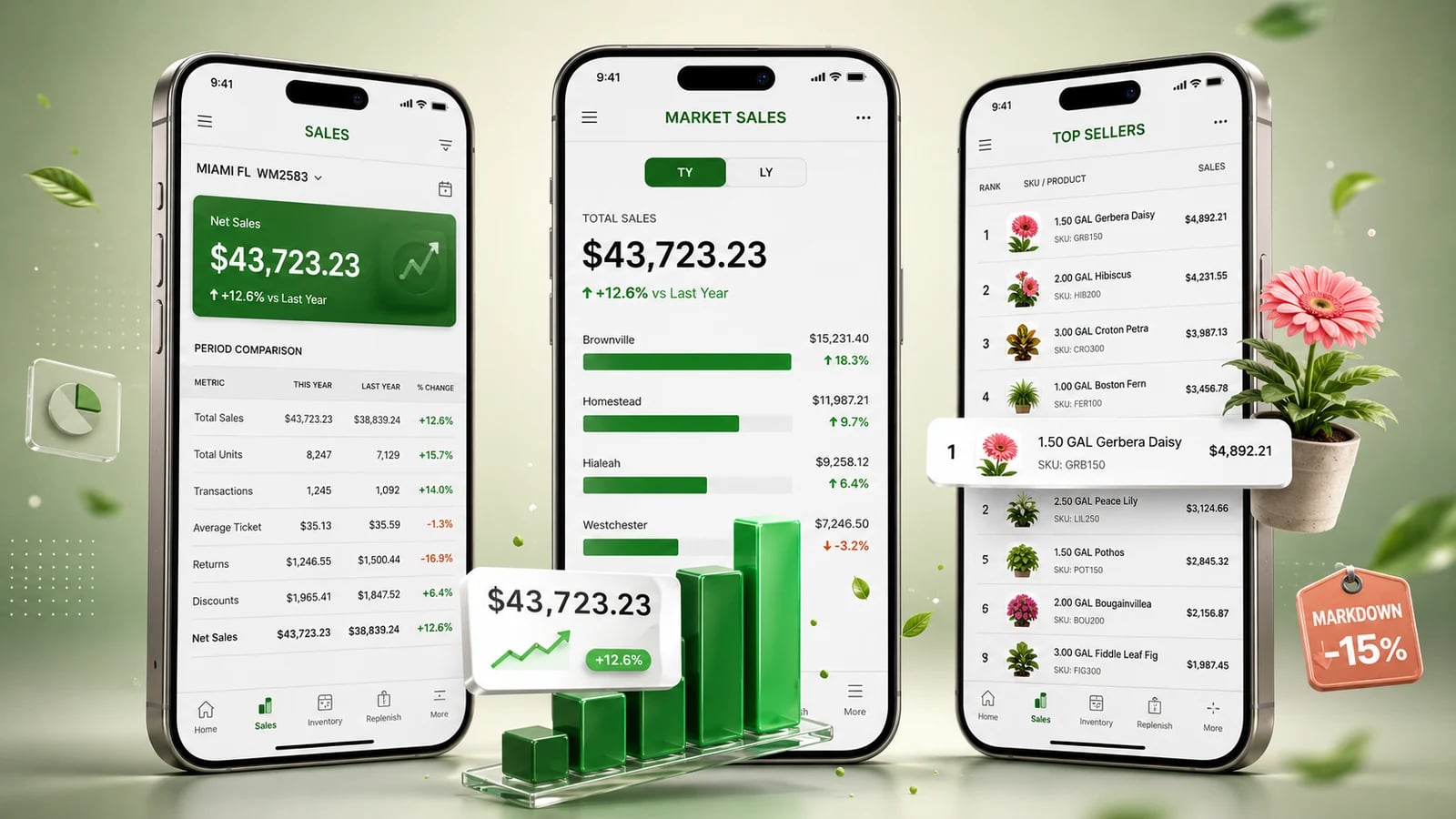
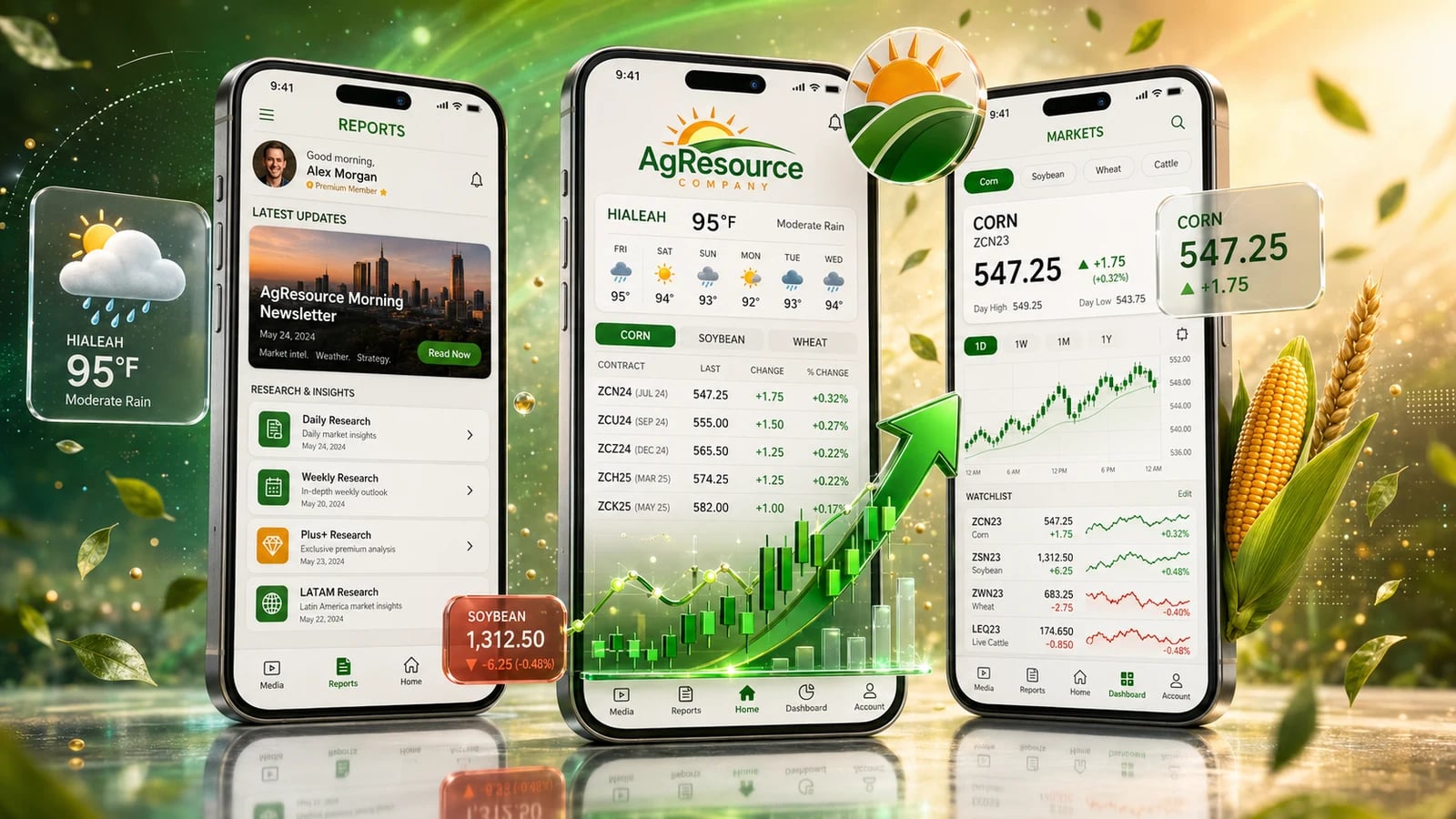
The second question is how long it takes to learn, and here the answer has to be brutal. Crews change with the season, nobody has a training budget, and there is no quiet week for a rollout. If a new person cannot do the whole job in the app within about ten minutes of picking up a phone, with no manual, in the language they actually speak, the tool loses. It does not lose loudly. It gets skipped for a clipboard within a week, and nobody tells the owner, who finds out a month later when the reports stop matching reality. That is why the work we would point at here is field work: AgResource, which puts market commentary and farm marketing advice in front of growers in time to act on it and is rated 5.0 on the App Store; GreenHouse, which replaced manual counting and paper reporting in lawn and garden merchandising, with markdowns, reason codes and offline capture; and Leak Survey Sidekick, an industrial field tool built offline first because the people using it are walking a plant with both hands busy.
A tool that stalls when the bars disappear is not complained about. It is replaced by a clipboard within a week, and nobody tells the owner.
What we get asked for at this end of the county
Rarely a consumer app. Usually one specific thing that has to keep working with sun on the screen, dirt on the hands and no signal for the next hour.
Field and packing house capture that works with no signal
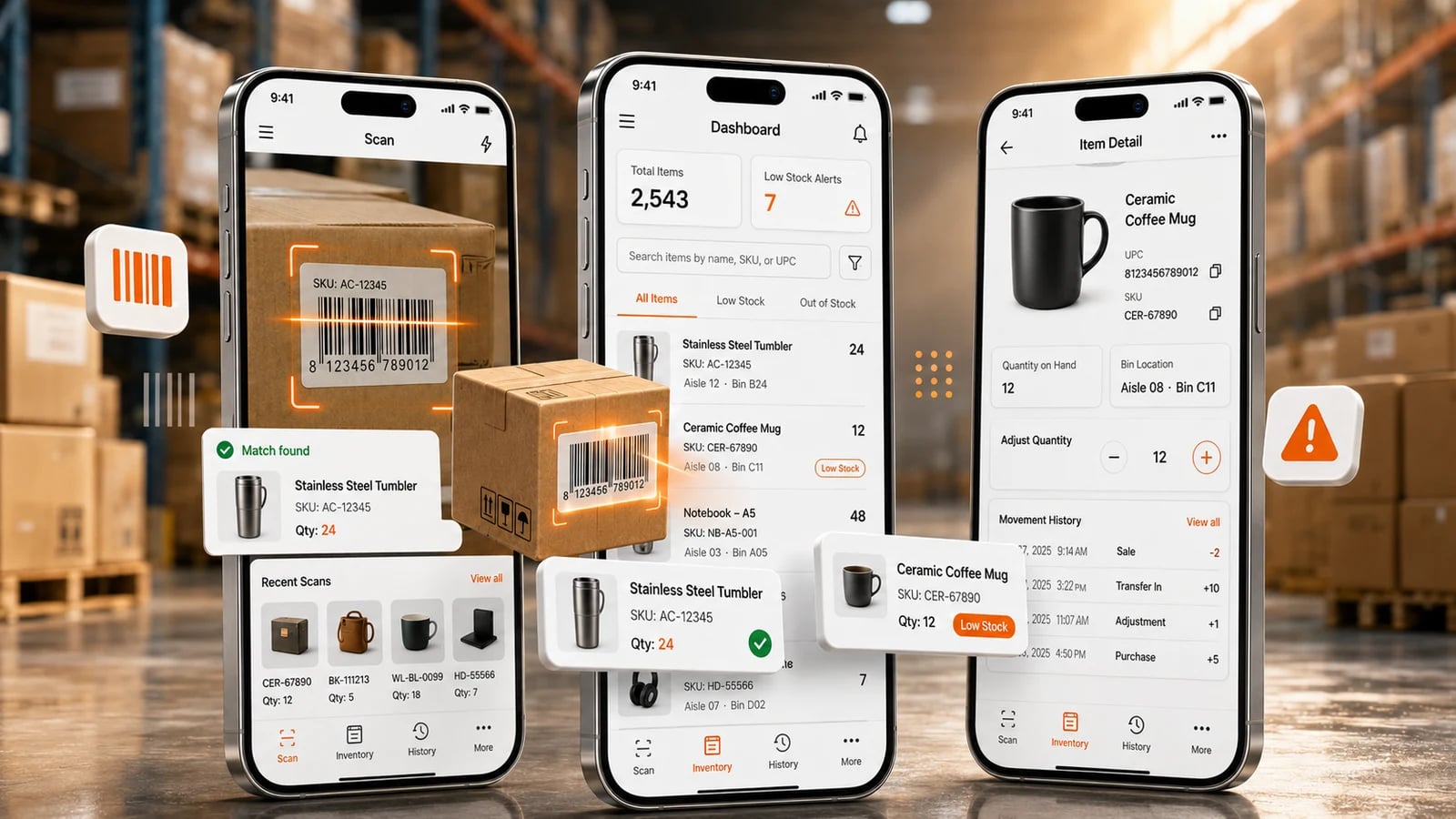
Counts, grades, lot numbers, photos and signatures taken where the product is. Everything is written locally first, shown clearly as saved and pending, and sent when there is something to send it over.
Growing stock and inventory that matches what is on the ground
Blocks, rows, lots and containers, counted by the people who walk them, so the number in the office is the number in the nursery instead of a spreadsheet that was true on Monday.
Loads, deliveries and proof that it arrived
What went on the truck, who signed for it, what came back and what was rejected. Captured at the dock in seconds, with the photo attached, so a claim two weeks later is a lookup and not an argument.
Replacing the paper form, honestly
We start by watching the paper being filled in, because half of what is on it is never used and the other half is the whole job. The app should ask for less than the form did, not more.
Field software we have actually shipped
Three of these are in the stores right now with public ratings, and two were built for agriculture specifically. Open the listings and read what people wrote rather than taking a portfolio page on trust.
Why Homestead businesses work with us
We design for the worst ten minutes, not the demo
No signal, one hand free, glare, a cracked screen protector and someone in a hurry. If a screen only works sitting at a desk on wifi, it has not been tested, it has been shown.
Ten minutes to learn, in the language the crew speaks
The measure we hold ourselves to is whether a new person can do the job in the app without anyone standing over them. Both languages are built in from the data model, so the buttons, the errors and the printed ticket all arrive in the same one.
We will tell you when the paper is winning
Sometimes a form works because it is fast, it needs no charge and it survives being rained on, and the fix is a scanner or a shared sheet rather than a project. We would rather say that in the first conversation than sell you a build that gets abandoned in April.
Ways to begin
Most operations here start with one crew and one process rather than a whole system, and expand after they have watched it survive a real week.
Free consultation
You know the process is costing you
A working session, in Spanish or English, about the one process that hurts most, what it would take to move it off paper, and whether that is even worth doing. Where it helps, we would rather come and watch the shift than talk about it in a meeting. You leave with a written scope and a written estimate either way.
No cost and no obligation.
One process, one crew, price fixed at signing
You want to see it work before you commit
The smallest useful version of a single workflow, at a price that is fixed once the scope is signed, put in the hands of one crew for a real stretch of the season. Offline capture and reconciliation are in that first version, not scheduled for later, because they are the part that decides whether it gets used.
The usual shape of a first project.
Repair or take over what exists
You already bought something and it is not being used
An independent read on the software you own, written so you can act on it, including the unglamorous question of what actually happens to a record entered with no connection. Then the corrections. If the original developer is gone, we can pick up maintenance where it stopped.
More common than anyone admits.
Need an internal business system, a web platform your office works in all day, or connections between tools you already run, rather than something for the field? Our software development in Miami page covers that side of the work.


App development in Homestead. FAQ
Is Appluex located in Homestead?
No. Appluex is headquartered in Miami, Florida, and we work across Miami-Dade including Homestead and the Redland. We are saying that plainly because a page with a city's name on it is not the same thing as an office in it, and you should assume the same about every other result you are looking at right now. What we do offer is the drive south, which for this kind of work matters more than an address would: an hour spent standing in the packing house teaches us more than three meetings about the packing house.
Will it work in a field or a packing house with no signal?
That is the first thing we design, not the last. Every entry is written to the phone itself before anything is sent, so the work is safe even if the app is closed or the battery dies, and the screen says clearly what is saved and what is still waiting to go up. When the phone finds a connection, at the gate, in the office or on the road, the queue goes up on its own. What we would ask you to check with anyone quoting on this: make them explain what happens to a record created with the phone in airplane mode, in detail. A lot of offline support turns out to mean the app can show you the last page you already loaded.
What happens if two people change the same record while both are offline?
This is the question that separates software that can be trusted from software that produces confident wrong numbers. Say one person counts a row at eight in the morning with no signal and another counts it at eleven, and both phones sync at lunch. If the system just keeps whichever arrived last, you get a count that is wrong and looks perfectly normal, and nobody catches it until the shipment does not match. So we agree a rule with you up front for each kind of record, per field where it makes sense, and where no rule is safe the software stops and asks a person, showing both versions and who entered them. It never overwrites quietly.
Our crew changes through the season. Can people use it without training?
That has to be a design requirement or the tool will not survive. The standard we work to is that someone who has never seen the app can do the full job within about ten minutes, with no manual and nobody standing over them, which in practice means very few screens, one obvious next action on each, wording taken from what your crew already calls things rather than from a software glossary, and no setup steps for the person who just walked in. If it needs a training session, we treat that as a fault in the design and not a task for you.
Can everything be in Spanish?
Yes, and not only the screens. The buttons, the error messages, the notifications, the printed ticket, the receipt and the support conversation can all be Spanish, because both languages are carried from the data model up rather than translated on at the end. The meetings, the written scope and the estimate can be in Spanish too. The simplest way to check that we mean it before you call anyone: put /es in front of the address of this page, and read what comes back.
What actually changes for gloves and direct sunlight?
Concrete things, and they cost almost nothing if they are decided at the start. Tap targets sized for a thumb in a glove rather than a mouse pointer, which usually means fewer things on a screen. Strong contrast and heavy type, because a subtle grey label is invisible outdoors at midday. Numbers entered with a big keypad and stepper buttons instead of a tiny field. Confirmation you can feel through a vibration and see from arm's length, so nobody has to shade the screen to know it worked. Scanning a barcode or a tag wherever it saves typing. None of that is expensive. It is just not what gets designed by default.
We track everything on paper and one spreadsheet. Can an app connect to what we already have?
Usually yes, and we would rather connect than replace. If the spreadsheet is where the office actually works, the app can keep feeding it instead of demanding everyone abandon it on day one, and if you run accounting or an inventory package we look at what it genuinely supports, which might be a proper connection, a scheduled file, or in the honest cases nothing at all. The paper is worth reading closely too. A form that has been in use for years usually encodes real rules about your operation that nobody has written down anywhere else.
Do we have to buy rugged devices, or can crews use their own phones?
Start with the phones people already have. They are already charged, already in a pocket and already familiar, and an app that behaves on an old mid range Android in a cheap case is an app that will behave on anything. Dedicated hardware makes sense for specific jobs, a real barcode scanner on a receiving line for example, or a device you are willing to keep charged and assigned to a station. But buying hardware first is a common way to spend a large part of the budget before you have learned whether the process works, so we would rather prove the workflow on the phones and let the hardware be a decision you make later with evidence.
How much does this cost, and how do we start small?
Every project is scoped on its own and you get a written estimate after a free consultation, so whatever gets added afterwards is priced on its own before anyone starts on it. The approach we would push you towards is one crew and one process for one real stretch of the season, at a price that is fixed once the scope is signed, rather than everything at once. It costs less, it is in use sooner, and a season of real hands on it will tell you which half of your plan was the important half. That is a cheaper way to learn it than in a build that runs six months before anyone outside the office touches it.
Guides from our team














Let's build something worth shipping
Tell us about your idea. With a track record of success and a commitment to client satisfaction, we'll help bring your product to life.